Divi Restaurant Menu Pro
A restaurant menu built the way a menu should feel.
Manage every dish from a dedicated back office — prices, ingredients, badges, categories — then serve it in five modern, filterable, instantly-paginated menu styles. No code, no shortcodes, no page reloads.
See It In Action
One menu, five real looks
Not mockups — every panel below runs on the plugin's own stylesheet, unedited, with real dish photography. This is exactly, pixel-for-pixel, what visitors will see.
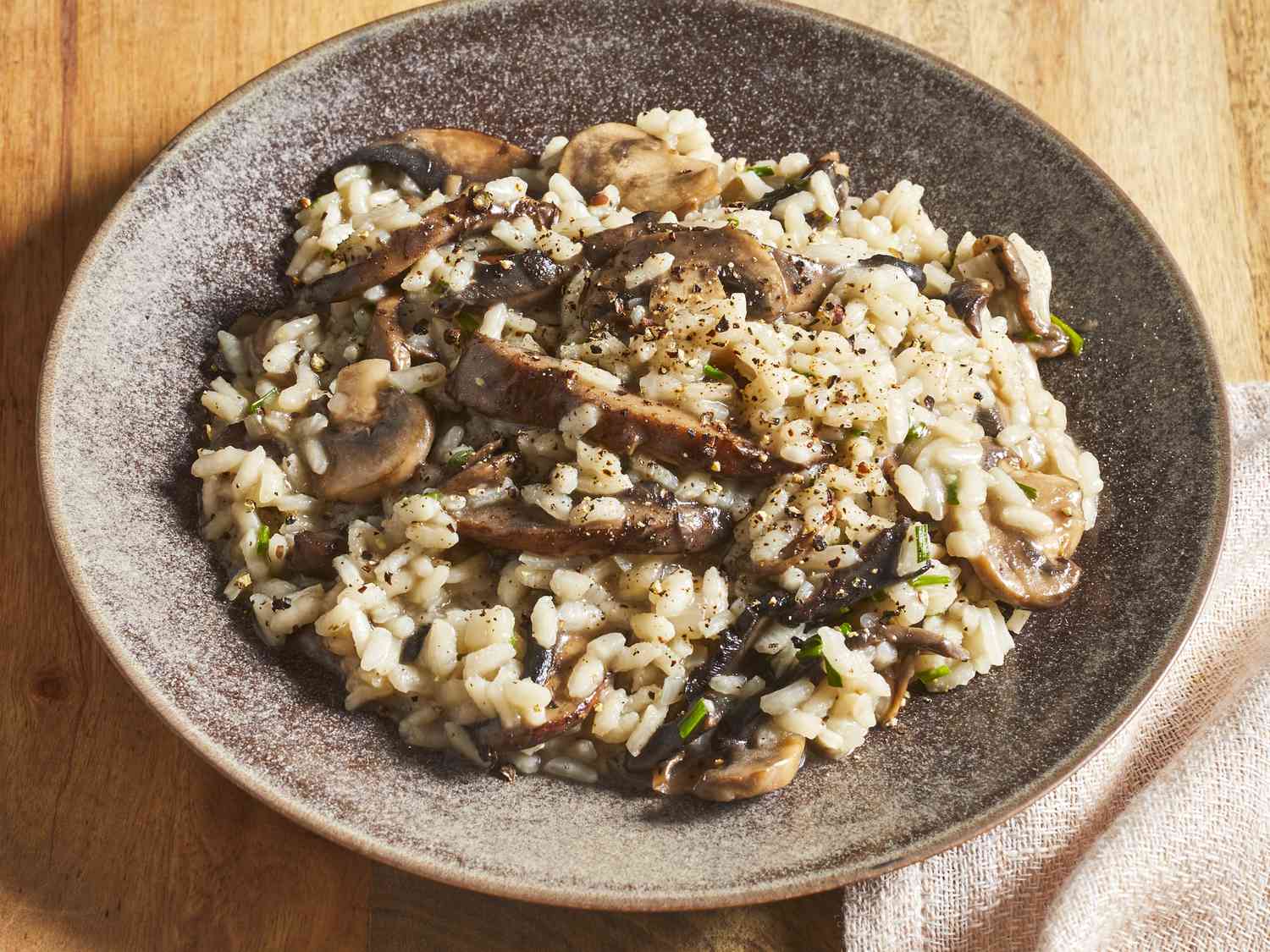
Wild Mushroom Risotto
Arborio rice, wild mushrooms, truffle oil, parmesan.
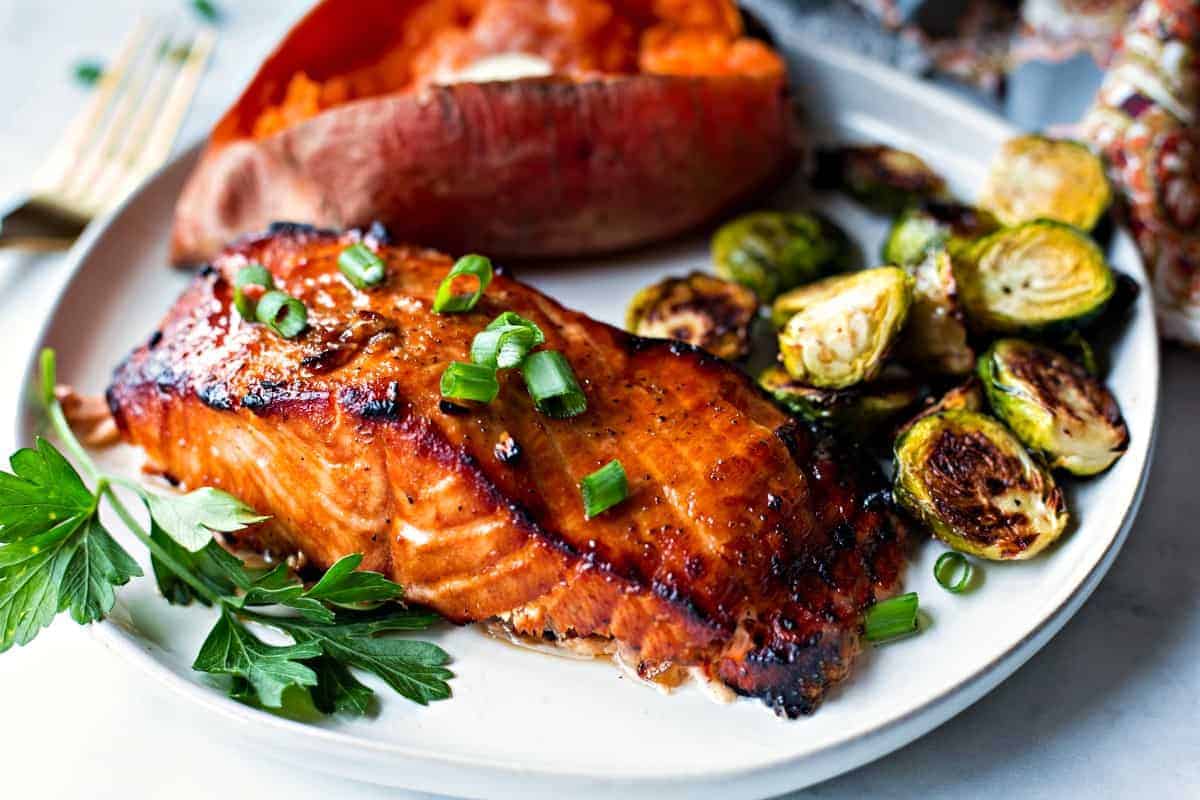
Grilled Salmon
Chargrilled fillet, rosemary butter, seasonal greens.
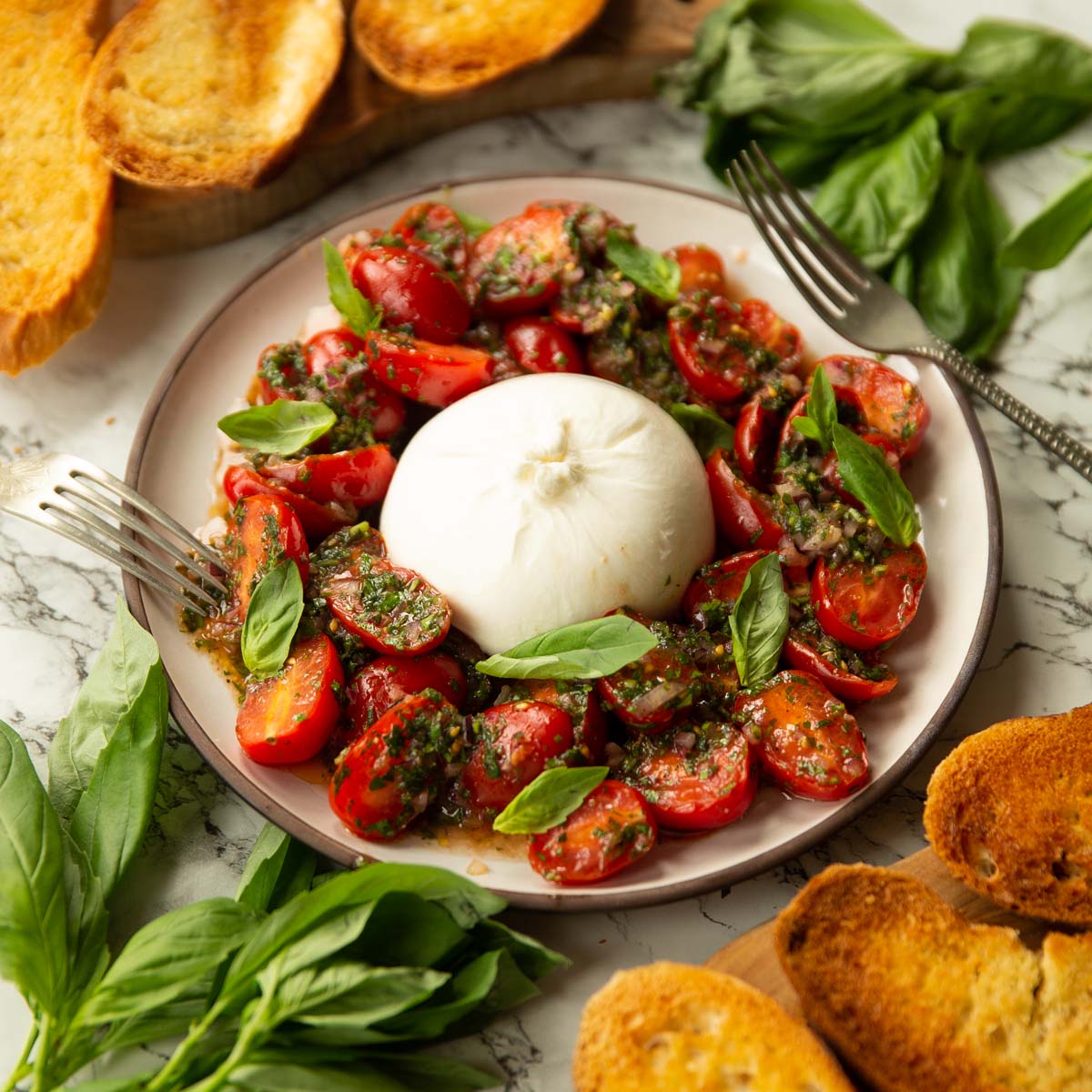
Burrata & Tomato
Heirloom tomato, basil oil, aged balsamic.
Grilled Salmon
Chargrilled fillet, rosemary butter, seasonal greens.
Burrata & Tomato
Heirloom tomato, basil oil, aged balsamic.
Wild Mushroom Risotto
Arborio rice, wild mushrooms, truffle oil, parmesan.
Wild Mushroom Risotto
Burrata & Tomato
Grilled Salmon
Why Divi Restaurant Menu Pro
Built for restaurant owners who use Divi — and the designers who build for them
Native to Divi 5
A real module in the Visual Builder — not a shortcode bolted onto a Code block. Every setting lives exactly where you already work.
A kitchen-ready back office
Dishes, prices, ingredients, badges and categories — managed from one clean screen, with drag-and-drop ordering.
Five styles, one click
Card Grid, Side-by-Side, Stacked, Minimal Price List, Elegant Divider. Change your menu's whole feel without rebuilding it.
Instant, no-reload browsing
Category filters and pagination update immediately in the browser — nothing to wait for, nothing to cache.
The Full Menu
Everything a restaurant menu needs
Five Ways to Serve It
One menu, five looks
Card Grid
Photo-led cards in a clean grid — the modern default.
Side-by-Side
Classic image-left rows that are easy to scan.
Stacked
Centered cards, photo on top — great for feature walls.
Minimal Price List
No photos — just dotted leaders and prices. A true price list.
Elegant Divider
Centered, refined — fine-dining in feel.
Built for Every Kitchen
Not just for restaurants
Questions, Answered
Frequently asked questions
Does Divi Restaurant Menu Pro work with Divi 5?
Yes — it's built natively for Divi 5 using the new module API. You'll need the Divi theme or the Divi Builder plugin running in Divi 5 mode.
Do I need to write any code?
No. Every setting — layout, filters, pagination, colors, typography — is controlled from the Divi Visual Builder and a dedicated Menu Items back office.
Can I show different menus on different pages?
Yes. Each module instance has its own category selection, so you can show only your drinks menu on one page and your full food menu on another.
Can a dish have more than one price?
Yes. Add as many price rows as you like — Half/Full, Small/Medium/Large, or any variations your menu needs.
Is the filtering real AJAX?
Every dish is rendered up front, and category filtering and pagination happen instantly in the browser — no page reload, no extra server request.
Can I use any currency?
Yes. Set any currency symbol you like, and choose whether it appears before or after the price.
Ready to put your menu on the table?
Everything above, in one Divi 5 module.
Divi Restaurant Menu Pro is an independent product by Divi Layouts Pro and is not affiliated with or endorsed by Elegant Themes.