Divi-Bild-HoverEffekte
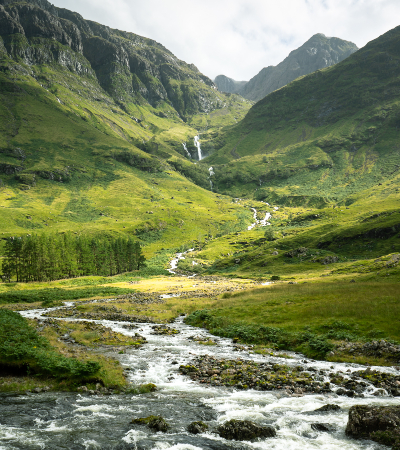
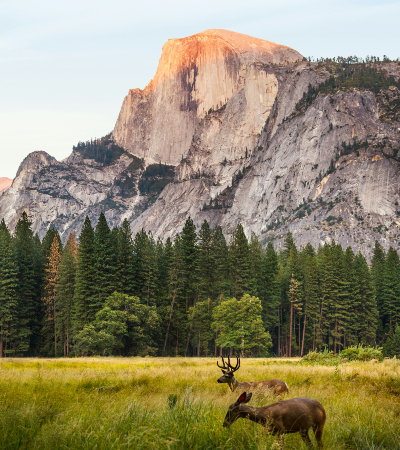



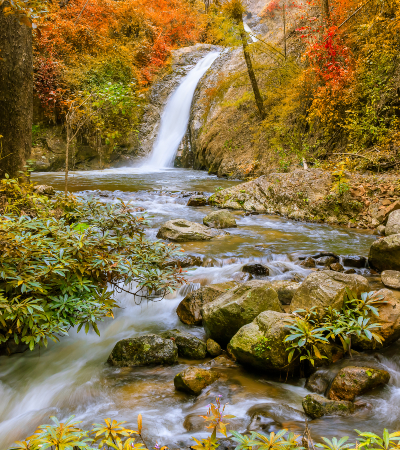
Karte umdrehen
Gleiten
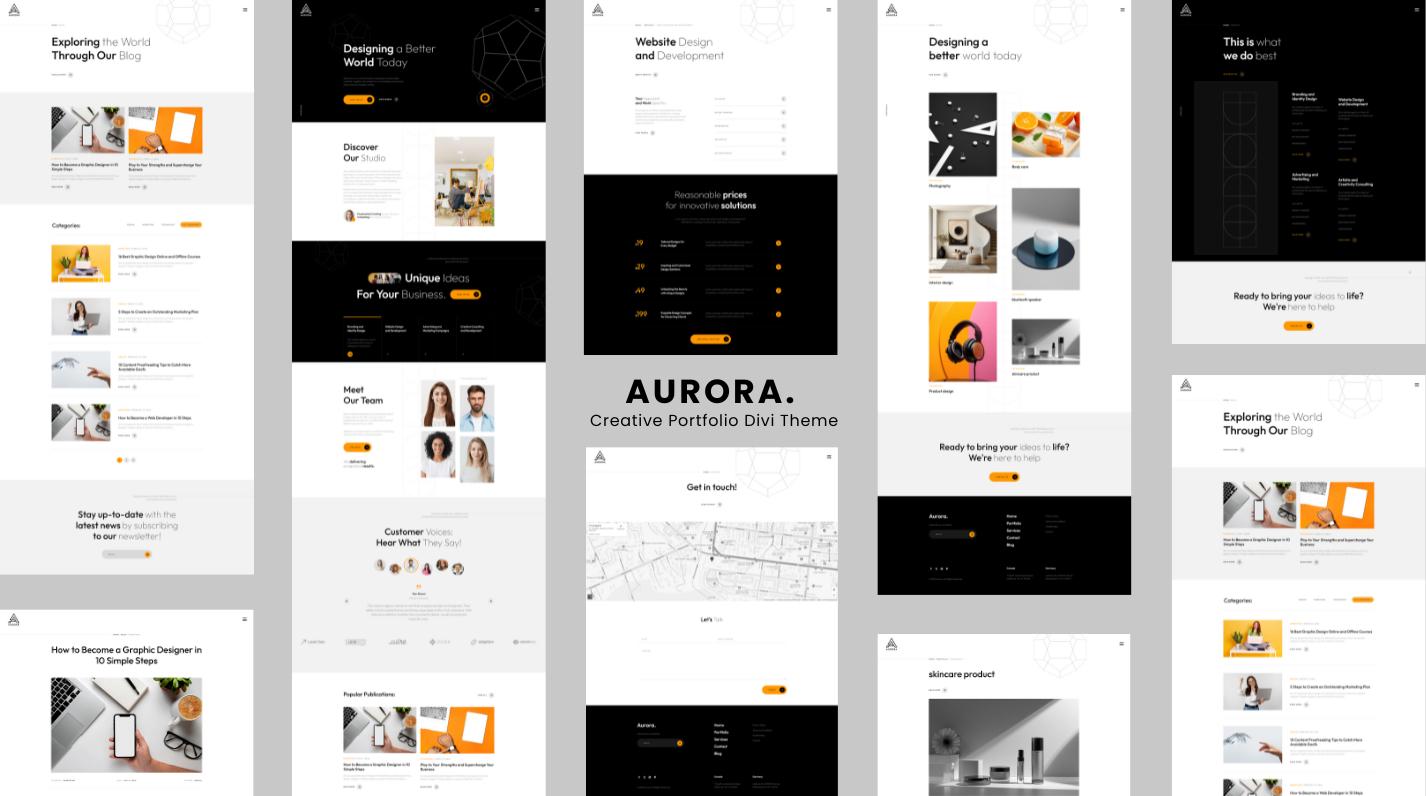
Divi Image Hover-Effekte – 15 Animationen
Verwandeln Sie Ihre Bilder in interaktive Erlebnisse. Divi Image Hover Effects ist einnatives Divi 5-ModulDas fügt jedem Bild atemberaubende Hover-Animationen und Overlay-Inhalte hinzu – direkt im Divi Visual Builder, keine Programmierung erforderlich.
🃏 Flip Cards – Integriert
Horizontal spiegelnVerwandeln Sie Ihr Bild in ein wahres Bild3D-Flip-Karte: Die Vorderseite zeigt Ihr Bild, die Rückseite zeigt Ihren Overlay-Inhalt mit einem zufriedenstellenden Perspektivwechsel. Perfekt für Teammitglieder, Portfolioteile, Produktpräsentationen oder jede Situation, in der Sie wirkungsvolle Informationen preisgeben möchten.
🎬 15 handgefertigte Hover-Effekte
- Verblassen– klassische Deckkraft-Enthüllung mit dezenter Inhaltsanhebung
- Nach oben/unten/links/rechts schieben– gerichtete Overlay-Folien
- Vergrößern– Das Bild wird vergrößert, wenn die Überlagerung angezeigt wird
- Herauszoomen– Das Bild beginnt zu zoomen und wird beim Schweben zurückgezogen
- Horizontal spiegeln— Vollständiger 3D-Kartenumschlag mit Perspektive
- Verwischen– Das Bild wird weicher, wenn Ihr Inhalt im Mittelpunkt steht
- Graustufen– Das Bild wird beim Schweben entsättigt, um einen auffälligen Kontrast zu erzielen
- Glanz– ein leichter Glanz streicht über das Bild
- Hüpf rein— Die Auflage federt mit elastischer Energie von unten ein
- Links → Rechts anzeigen– Clip-Pfad-Laibung im Vorhangstil
✨ Umfangreicher Overlay-Inhalt
Erstellen Sie Ihr Overlay visuell, genau so, wie Sie es möchten:
- Overlay-Hintergrund – einfarbig oder vollGradient(Startfarbe, Endfarbe, Richtung)
- Inhaltliche Position –9 Ankerpunkte(oben links, in der Mitte, unten rechts…)
- Symbol – Wählen Sie ein beliebiges Divi-Symbol aus und legen Sie dessen Farbe und Größe fest
- Titel – Wählen Sie das HTML-Tag (H1–H6 oder P) und gestalten Sie es vollständig
- Beschreibung – Fließtext mit vollständiger Typografiekontrolle
- Call-to-Action-Schaltfläche – URL, Unterstützung für neue Tabs und dieVollständiges Divi-Button-Design-Panel(Hintergrund, Rahmen, Schriftart, Abstand, Größe, Boxschatten)
⚙️ Präzise Animationssteuerung
Passen Sie alles direkt im Visual Builder an, ohne Ihre Seite zu verlassen:
- AnimationGeschwindigkeit— jede gültige CSS-Dauer (
0.3s,500ms…) - AnimationLockerung– Ease, Ease In, Ease Out, Ease In Out, Linear
🎨 Vollständige Anpassung des Divi-Designs
Da es sich bei Divi Image Hover Effects um ein echtes natives Divi 5-Modul handelt, erhalten Sie Zugriff daraufkomplettes Divi-Designsystem– die gleichen Tools, die Sie in jedem anderen Modul verwenden:
- Typografie-Steuerelemente für Titel, Beschreibung und Schaltfläche
- Hintergründe, Verläufe und Bilder auf dem Modul
- Ränder, Kastenschatten und Randradius
- Abstand (Rand
- Filter, Transformationen und Animationen
- Sticky-Positionierung, Scroll-Effekte und Z-Index
- Responsive Sichtbarkeit und benutzerdefiniertes CSS pro Haltepunkt
Alles, was Sie von einem Divi-Modul erwarten – direkt nach dem Auspacken.
🔍 Echte Visual Builder-Vorschau
Das Overlay ist immer im Canvas sichtbar, sodass Sie Ihre Inhalte bequem bearbeiten können. AktivierenSchwebemodusim Design-Bedienfeld, um eine Vorschau Ihrer Hover-Stile – Farben, Übergänge und Flip-Animationen – genau so anzuzeigen, wie Ihre Besucher sie sehen werden.
♿ Leistung
- Bilder verwenden nativeLazy Loadingfür schnelle Seitengeschwindigkeiten
- Animationen automatischDeaktivieren Sie diese Funktion für Benutzer, die eine reduzierte Bewegung bevorzugen(
prefers-reduced-motion) - GPU-beschleunigte Übergänge für seidenweiches 60-fps-Rendering
📋 Anforderungen
- Divi 5 (nicht kompatibel mit Divi 4)
- WordPress 6.0
- PHP 7.4