Najedź kursorem na obraz DiviRuchomości
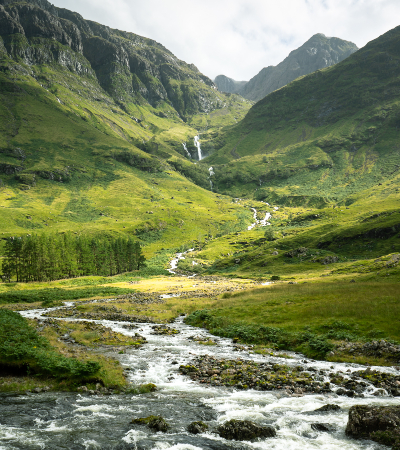
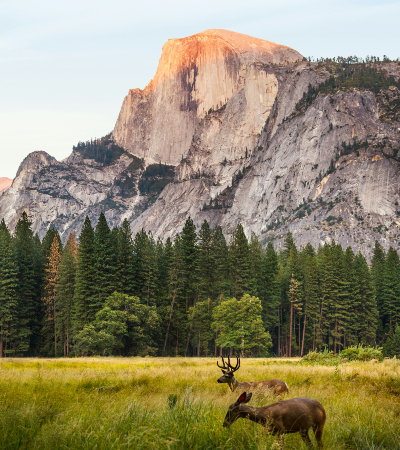
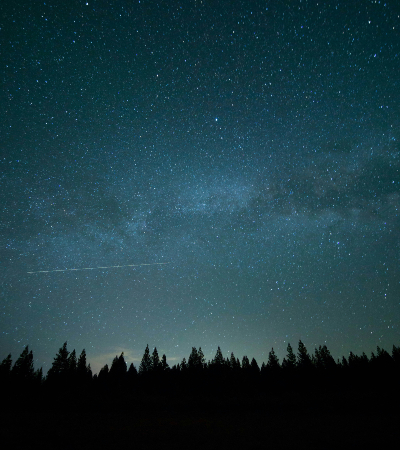
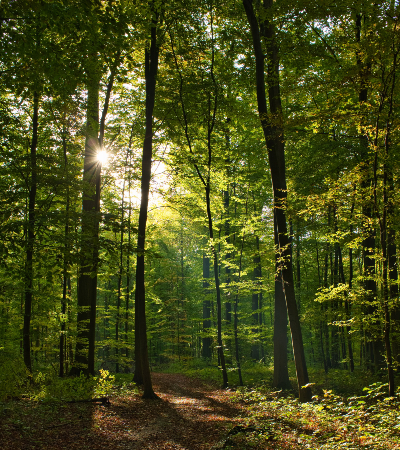
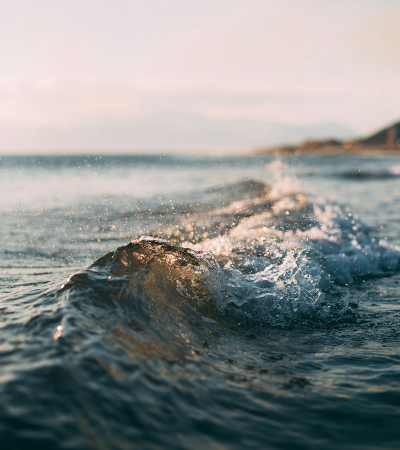
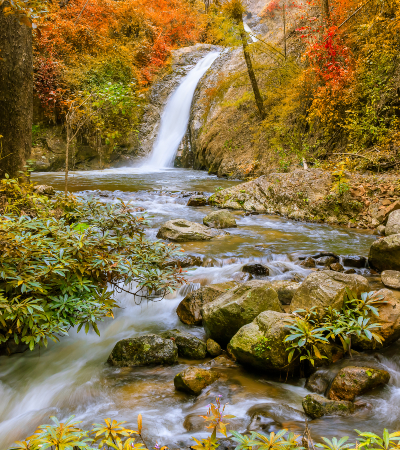
Odwróć kartę
Slajd
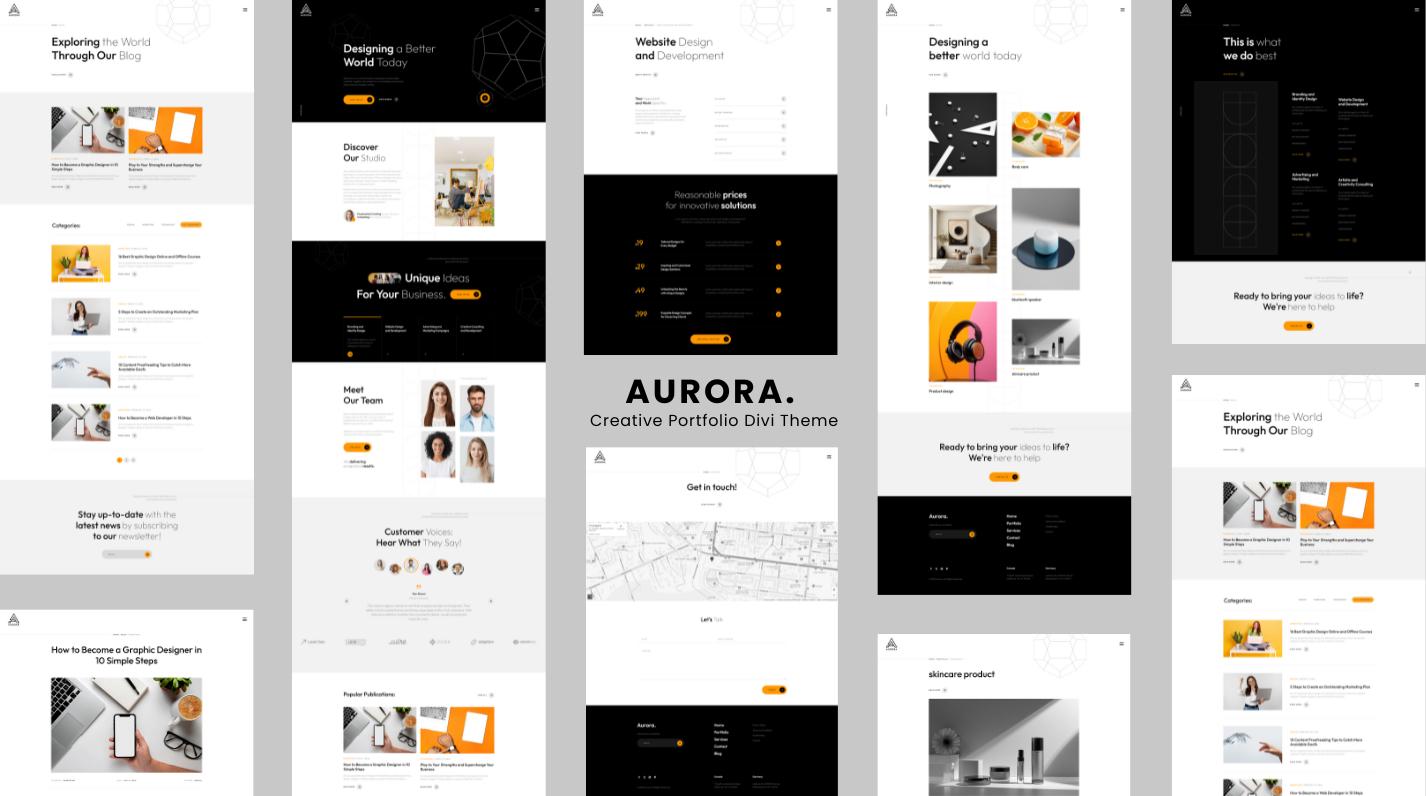
Efekty najechania obrazem Divi — 15 animacji
Przekształć swoje obrazy w interaktywne doświadczenia. Efekty najechania obrazem Divi tonatywny moduł Divi 5który dodaje wspaniałe animacje po najechaniu myszką i zawartość nakładki do dowolnego obrazu — bezpośrednio w Divi Visual Builder, bez konieczności kodowania.
🃏 Odwracane karty — wbudowane
Odwróć w poziomiezmień swój wizerunek w prawdziwyKarta z klapką 3D: przód pokazuje Twój obraz, tył ukazuje zawartość nakładki z satysfakcjonującym odwróceniem perspektywy. Idealny dla członków zespołu, elementów portfolio, prezentacji produktów lub w każdej sytuacji, w której chcesz ujawnić informacje, które wywrą wpływ.
🎬 15 ręcznie wykonanych efektów najechania
- Znikać— klasyczne odkrycie nieprzezroczystości z subtelnym wzrostem zawartości
- Przesuń w górę / w dół / w lewo / w prawo— kierunkowe slajdy nakładkowe
- Powiększ— obraz powiększa się w miarę pojawiania się nakładki
- Pomniejsz— obraz zaczyna być powiększony, cofa się po najechaniu myszką
- Odwróć w poziomie— pełne odwracanie kart 3D z perspektywą
- Plama— obraz mięknie, gdy treść zajmuje centralne miejsce
- Skala szarości— obraz zmniejsza nasycenie po najechaniu myszą, aby uzyskać uderzający kontrast
- Świecić— lekki blask przebiega przez obraz
- Wskocz do środka— nakładka wyskakuje od dołu z energią sprężystą
- Odkryj lewo → prawo— odsłonięcie ścieżki klipu w stylu kurtyny
✨ Bogata zawartość nakładki
Zbuduj swoją nakładkę wizualnie, dokładnie tak, jak chcesz:
- Tło nakładki — jednolite lub pełnegradient(kolor początkowy, kolor końcowy, kierunek)
- Pozycja treści —9 punktów kontrolnych(lewy górny, środkowy, prawy dolny…)
- Ikona — wybierz dowolną ikonę Divi, ustaw jej kolor i rozmiar
- Tytuł — wybierz znacznik HTML (H1–H6 lub P) i nadaj mu pełny styl
- Opis — tekst główny z pełną kontrolą typografii
- Przycisk wezwania do działania — adres URL, obsługa nowej karty ipełny panel z przyciskami Divi(tło, obramowanie, czcionka, odstępy, rozmiar, cień ramki)
⚙️ Precyzyjne sterowanie animacją
Dostosuj wszystko bezpośrednio w Visual Builderze, bez opuszczania strony:
- Ożywienieprędkość— dowolny prawidłowy czas trwania CSS (
0.3s,500ms…) - Ożywieniezłagodzenie— Zwolnij, Zwolnij, Zwolnij, Zwolnij, Liniowy
🎨 Pełna personalizacja projektu Divi
Ponieważ Divi Image Hover Effects jest prawdziwym natywnym modułem Divi 5, masz dostęp dokompletny system projektowania Divi— te same narzędzia, których używasz w każdym innym module:
- Elementy sterujące typografią tytułu, opisu i przycisku
- Tła, gradienty i obrazy w module
- Obramowania, cienie ramek i promień obramowania
- Odstępy (margines
- Filtry, transformacje i animacje
- Przyklejone pozycjonowanie, efekty przewijania i indeks Z
- Elastyczna widoczność i niestandardowy CSS dla każdego punktu przerwania
Wszystko, czego oczekujesz od modułu Divi — od razu po wyjęciu z pudełka.
🔍 Podgląd True Visual Builder
Nakładka jest zawsze widoczna na płótnie, dzięki czemu możesz wygodnie edytować treść. Aktywowaćtryb zawisuw panelu Projekt, aby wyświetlić podgląd stylów najechania myszką — kolorów, przejść i animacji odwracania — dokładnie tak, jak będą je widzieć odwiedzający.
♿ Wydajność
- Obrazy używają natywnychleniwe ładowaniedla dużej prędkości strony
- Animacje automatyczniewyłącz dla użytkowników, którzy preferują ograniczony ruch(
prefers-reduced-motion) - Przejścia przyspieszane przez procesor graficzny zapewniają płynne renderowanie przy 60 klatkach na sekundę
📋Wymagania
- Divi 5 (niekompatybilny z Divi 4)
- WordPressa 6.0
- PHP 7.4