Divi-afbeelding zweeftEffecten



Flip-kaart
Dia

Divi Image Hover-effecten — 15 animaties
Transformeer uw afbeeldingen in interactieve ervaringen. Divi Image Hover-effecten is eennative Divi 5-moduledat verbluffende hover-animaties en overlay-inhoud aan elke afbeelding toevoegt – rechtstreeks in de Divi Visual Builder, geen codering vereist.
🃏 Flipkaarten — Ingebouwd
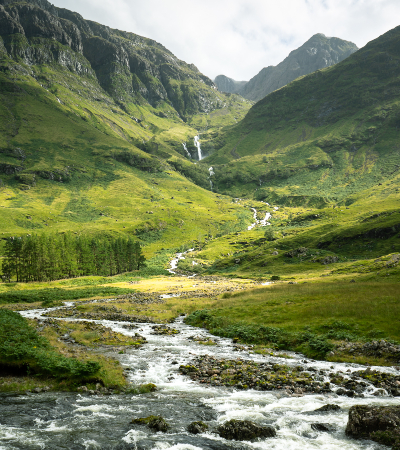
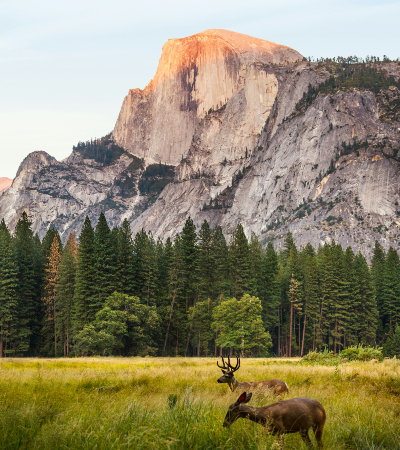
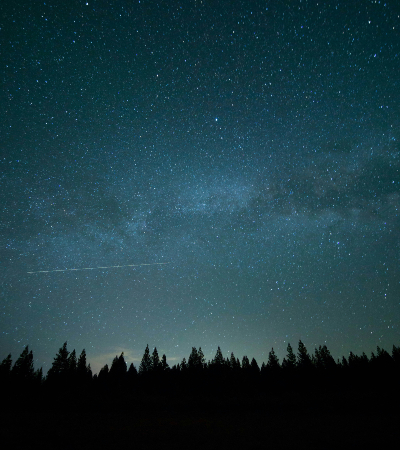
Horizontaal spiegelenverander uw imago in een waar3D-flipkaart: de voorkant toont uw afbeelding, de achterkant onthult uw overlay-inhoud met een bevredigende perspectiefomkering. Perfect voor teamleden, portfoliostukken, productpresentaties of elke situatie waarin u informatie met impact wilt onthullen.
🎬 15 handgemaakte zweefeffecten
- Vervagen— klassieke dekkingsonthulling met een subtiele stijging van de inhoud
- Schuif omhoog / omlaag / links / rechts— directionele overlay-dia's
- Inzoomen— afbeelding wordt groter naarmate de overlay verschijnt
- Uitzoomen— het beeld begint te zoomen en trekt zich terug bij het zweven
- Horizontaal spiegelen- volledige 3D-kaartflip met perspectief
- Vervagen— het beeld wordt zachter naarmate uw inhoud centraal staat
- Grijstinten— het beeld wordt minder verzadigd als u het beweegt, voor een opvallend contrast
- Glans— een lichte schittering strijkt over het beeld
- Stuiteren naar binnen— de overlay veert van onderaf met elastische energie naar binnen
- Links → Rechts onthullen- onthulling in gordijnstijl met clippad
✨ Rijke overlay-inhoud
Bouw uw overlay visueel op, precies zoals u dat wilt:
- Overlay-achtergrond: effen kleur of vollediggradiënt(startkleur, eindkleur, richting)
- Inhoudelijke positie —9 ankerpunten(linksboven, midden, rechtsonder…)
- Pictogram: kies een Divi-pictogram en stel de kleur en grootte in
- Titel — kies de HTML-tag (H1-H6 of P) en stijl deze volledig
- Beschrijving - hoofdtekst met volledige typografische controle
- Call-to-action-knop: URL, ondersteuning voor nieuwe tabbladen en devolledig Divi-knopontwerppaneel(achtergrond, rand, lettertype, spatiëring, grootte, vakschaduw)
⚙️ Precisie-animatiebediening
Pas alles direct aan in de Visual Builder zonder uw pagina te verlaten:
- Animatiesnelheid— elke geldige CSS-duur (
0.3s,500ms…) - Animatieversoepeling- Gemakkelijk, gemakkelijk in, gemakkelijk uit, gemakkelijk in, lineair
🎨 Volledige aanpassing van het Divi-ontwerp
Omdat Divi Image Hover Effects een echte native Divi 5-module is, krijgt u toegang tot decompleet Divi-ontwerpsysteem— dezelfde tools die u op elke andere module gebruikt:
- Typografische besturingselementen voor titel, beschrijving en knop
- Achtergronden, verlopen en afbeeldingen op de module
- Randen, kaderschaduwen en randradius
- Afstand (marge
- Filters, transformaties en animaties
- Sticky positionering, scroll-effecten en z-index
- Responsieve zichtbaarheid en aangepaste CSS per breekpunt
Alles wat u van een Divi-module verwacht, direct uit de doos.
🔍 Echte Visual Builder-preview
De overlay is altijd zichtbaar in het canvas, zodat u uw inhoud comfortabel kunt bewerken. Activerenhover-modusin het ontwerppaneel om een voorbeeld van uw zweefstijlen (kleuren, overgangen en spiegelanimaties) te bekijken, precies zoals uw bezoekers ze zullen zien.
Prestatie
- Afbeeldingen gebruiken nativevertraagd ladenvoor hoge paginasnelheden
- Animaties automatischuitschakelen voor gebruikers die de voorkeur geven aan verminderde beweging (
prefers-reduced-motion) - GPU-versnelde overgangen voor zijdezachte 60 fps-rendering
📋 Vereisten
- Divi 5 (niet compatibel met Divi 4)
- WordPress 6.0
- PHP 7.4