Divi Bild HoverEffekter




Vändkort
Glida
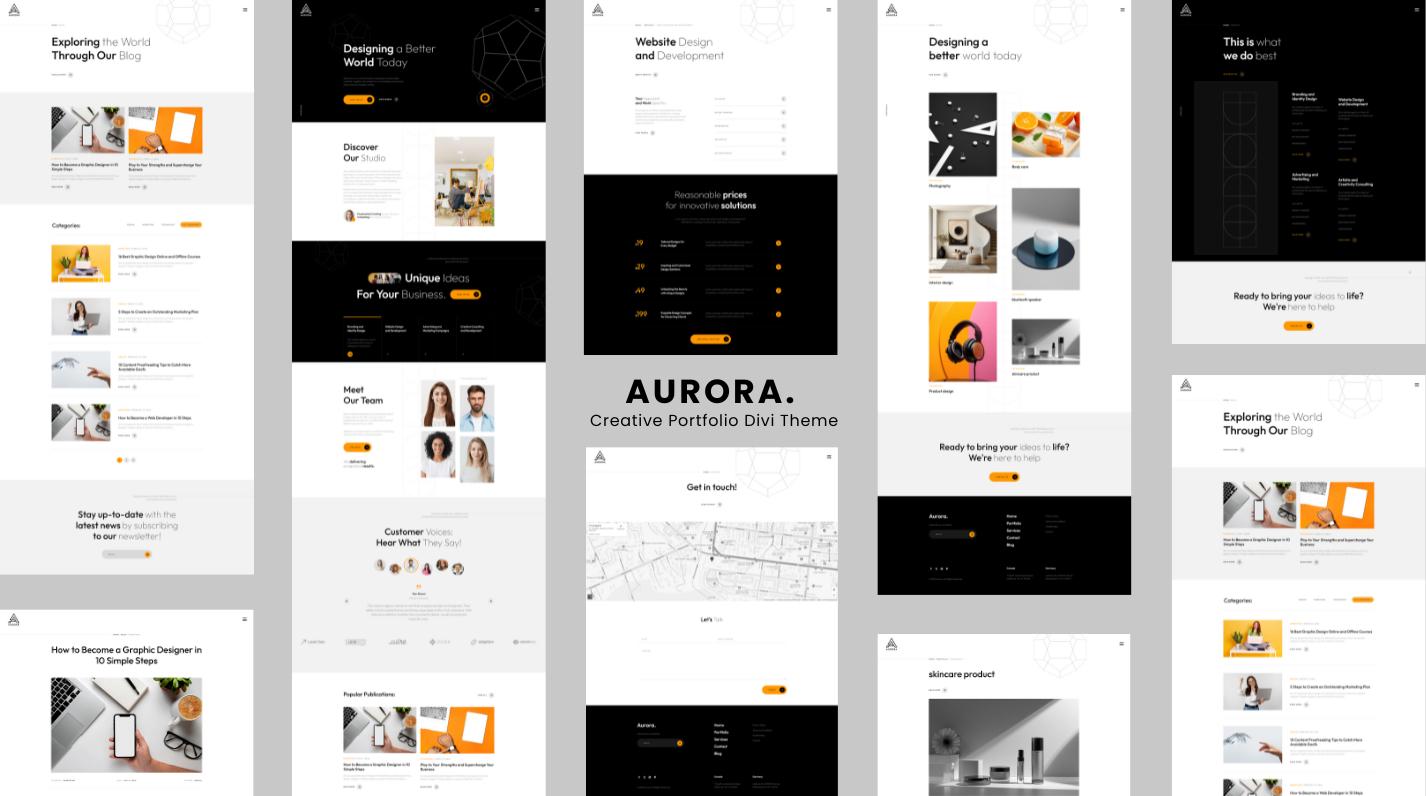

Divi Image Hover Effects — 15 animationer
Förvandla dina bilder till interaktiva upplevelser. Divi Image Hover Effects är eninbyggd Divi 5-modulsom lägger till häpnadsväckande svävningsanimationer och överläggsinnehåll till vilken bild som helst — direkt inuti Divi Visual Builder, ingen kodning krävs.
🃏 Vändkort — Inbyggt
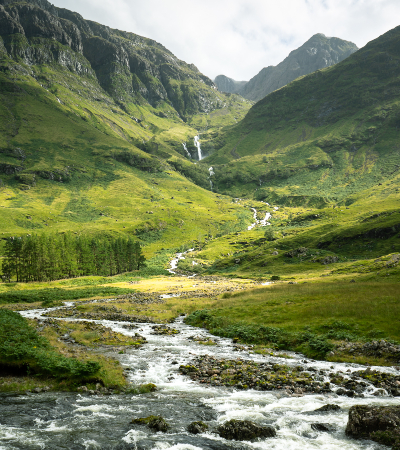
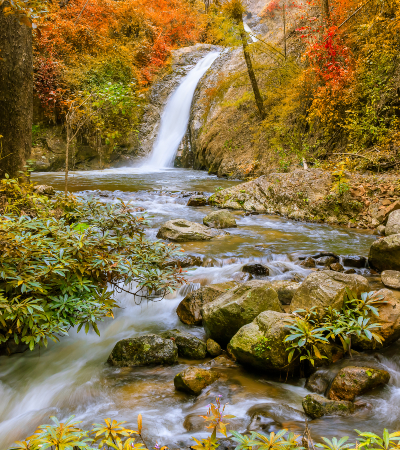
Vänd horisontelltförvandla din bild till en sann3D vändkort: framsidan visar din bild, baksidan visar ditt överläggsinnehåll med en tillfredsställande perspektivvändning. Perfekt för teammedlemmar, portföljdelar, produktpresentationer eller alla situationer där du vill avslöja information med effekt.
🎬 15 handgjorda sväveffekter
- Blekna— klassisk opacitetsavslöja med en subtil innehållsökning
- Skjut upp / ner / vänster / höger— riktningsbelagda diabilder
- Zooma in— bilden skalas upp när överlägget visas
- Zooma ut— bilden börjar zoomas, dras tillbaka vid hovring
- Vänd horisontellt— hel 3D-kortvändning med perspektiv
- Fläck— Bilden mjuknar när ditt innehåll står i centrum
- Gråskala— Bilden försvagas när den svävar för en slående kontrast
- Glans— en lätt bländning sveper över bilden
- Studsa in— överlägget fjädrar in underifrån med elastisk energi
- Avslöja vänster → höger— klippbana i gardinstil
✨ Riktigt överläggsinnehåll
Bygg ditt överlägg visuellt, precis som du vill ha det:
- Överlagringsbakgrund — enfärgad eller helfärgadlutning(startfärg, slutfärg, riktning)
- Innehållsposition —9 ankarpunkter(överst till vänster, mitten, längst ner till höger...)
- Ikon — välj valfri Divi-ikon, ställ in dess färg och storlek
- Titel — välj HTML-taggen (H1–H6 eller P) och stil den helt
- Beskrivning — brödtext med fullständig typografikontroll
- Uppmaningsknapp — URL, stöd för ny flik ochkomplett designpanel för Divi-knappar(bakgrund, ram, typsnitt, avstånd, storlek, boxskugga)
⚙️ Precisionskontroller för animering
Justera allt direkt i Visual Builder utan att lämna din sida:
- Animationhastighet— någon giltig CSS-varaktighet (
0.3s,500ms…) - Animationlättnader— Lätt, lätt in, lätt ut, lätt in ut, linjär
🎨 Fullständig Divi-designanpassning
Eftersom Divi Image Hover Effects är en äkta inbyggd Divi 5-modul får du tillgång tillkomplett Divi designsystem— samma verktyg som du använder på alla andra moduler:
- Typografikontroller för titel, beskrivning och knapp
- Bakgrunder, övertoningar och bilder på modulen
- Kanter, boxskuggor och kantradie
- Avstånd (marginal
- Filtrerar, transformeringar och animeringar
- Sticky positionering, rullningseffekter och z-index
- Responsiv synlighet och anpassad CSS per brytpunkt
Allt du förväntar dig av en Divi-modul — direkt ur lådan.
🔍 True Visual Builder förhandsvisning
Överlägget är alltid synligt på duken så att du kan redigera ditt innehåll bekvämt. Aktiverasvävningslägei designpanelen för att förhandsgranska dina svävstilar – färger, övergångar och flip-animationer – precis som dina besökare kommer att se dem.
♿ Prestanda
- Bilder använder nativelat lastningför snabba sidhastigheter
- Animationer automatisktinaktivera för användare som föredrar reducerad rörelse(
prefers-reduced-motion) - GPU-accelererade övergångar för silkeslen 60fps-rendering
📋 Krav
- Divi 5 (inte kompatibel med Divi 4)
- WordPress 6.0
- PHP 7.4